
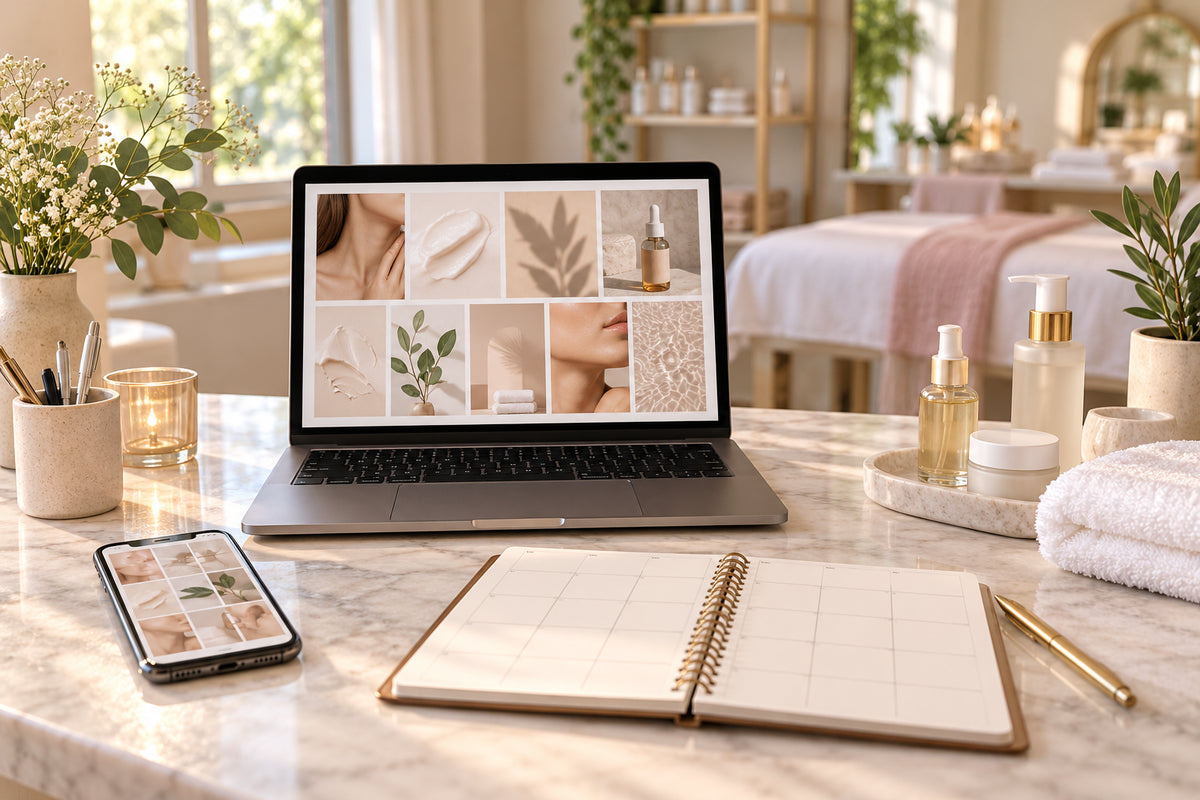
A client might discover your beauty business through Instagram, open your booking page, and later receive a printed appointment card. Each step should feel like part of the same business.
You can create that consistency by making a few clear decisions and applying them across the materials you use most.
Use this beauty business branding checklist when launching your business or refreshing an existing brand.
1. Describe who your business serves
Before choosing colors or designing a logo, write one sentence explaining your audience and services.
For example:
“Our studio offers facial services for clients who value a calm setting and clear explanations.”
Make this statement specific to your business. It can guide the language, images, and information you include in your marketing.
2. Choose a clear business description
Someone visiting your profile should quickly understand what you offer and where you operate.
Prepare a short description you can adapt for your website, social profiles, and printed materials. Include your business name, main services, location or service area, and booking instructions where relevant.
Check that your contact details match across each channel.
3. Prepare your logo for everyday use
Test your logo in the places customers will actually see it:
- A small social profile image.
- The top of your service menu.
- A business card.
- A light or dark background.
If the name becomes difficult to read at a small size, simplify the layout or prepare a compact version. Keep the approved files in one clearly labeled folder.
4. Select a practical color palette
Choose a small set of colors and assign each one a role. You might use a dark color for text, a light color for backgrounds, and an accent color for headings or buttons.
Record the color codes so you can reuse the same shades. Test the combinations on a phone screen and make sure important information is easy to read.
5. Set simple font rules
Choose a readable heading font and body font. Decide how you will use them on service menus, social graphics, and other materials.
Decorative lettering can work as an accent, but customers should be able to read prices, appointment details, and contact information quickly.
Create one sample design to use as a reference when making future materials.
6. Build a clear service menu
Your service menu should help someone understand what they can book.
Give each service a clear name and a concise description. Include duration and pricing where appropriate, along with instructions for booking or asking a question.
Review the menu whenever your services change. A beautifully designed menu is only useful when its information is current.
7. Create reusable social media layouts
Start with layouts for the posts you create most often:
- Frequently asked questions.
- Service introductions.
- Appointment availability.
- Client feedback shared with permission.
- Business announcements.
Keep heading placement, colors, and text styles consistent. Leave enough room to explain each topic without crowding the design.
8. Match your customer materials
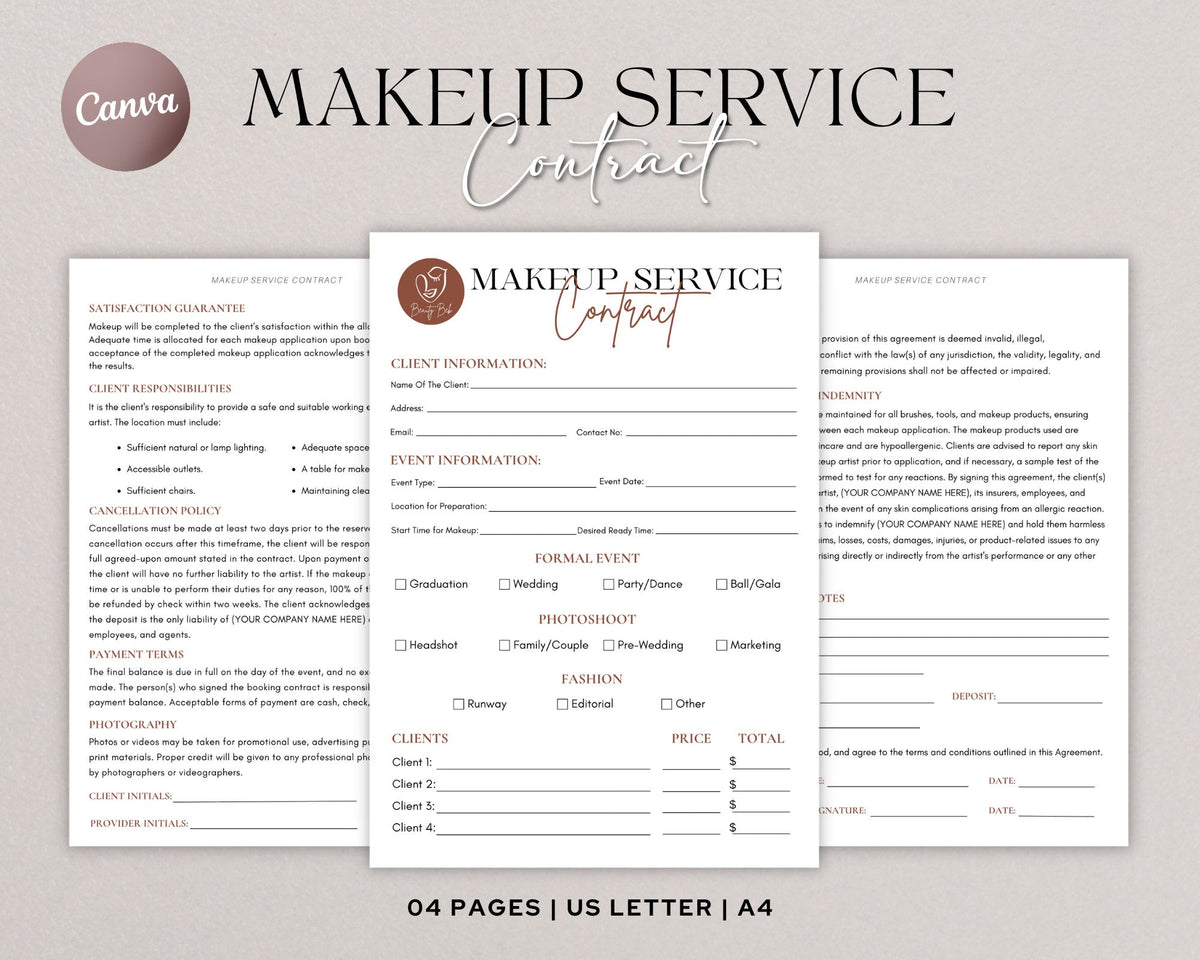
Review the items a customer sees before, during, and after an appointment. These may include your booking page, business cards, gift cards, thank-you cards, and follow-up messages.
Use the same business name, visual style, and contact details throughout. Check that every link and booking instruction leads to the correct place.
You can build these materials gradually, starting with the ones your customers use most.
9. Save a one-page brand guide
Collect your main decisions in a short reference document:
- Your audience and business description.
- Approved logo versions.
- Color codes.
- Heading and body fonts.
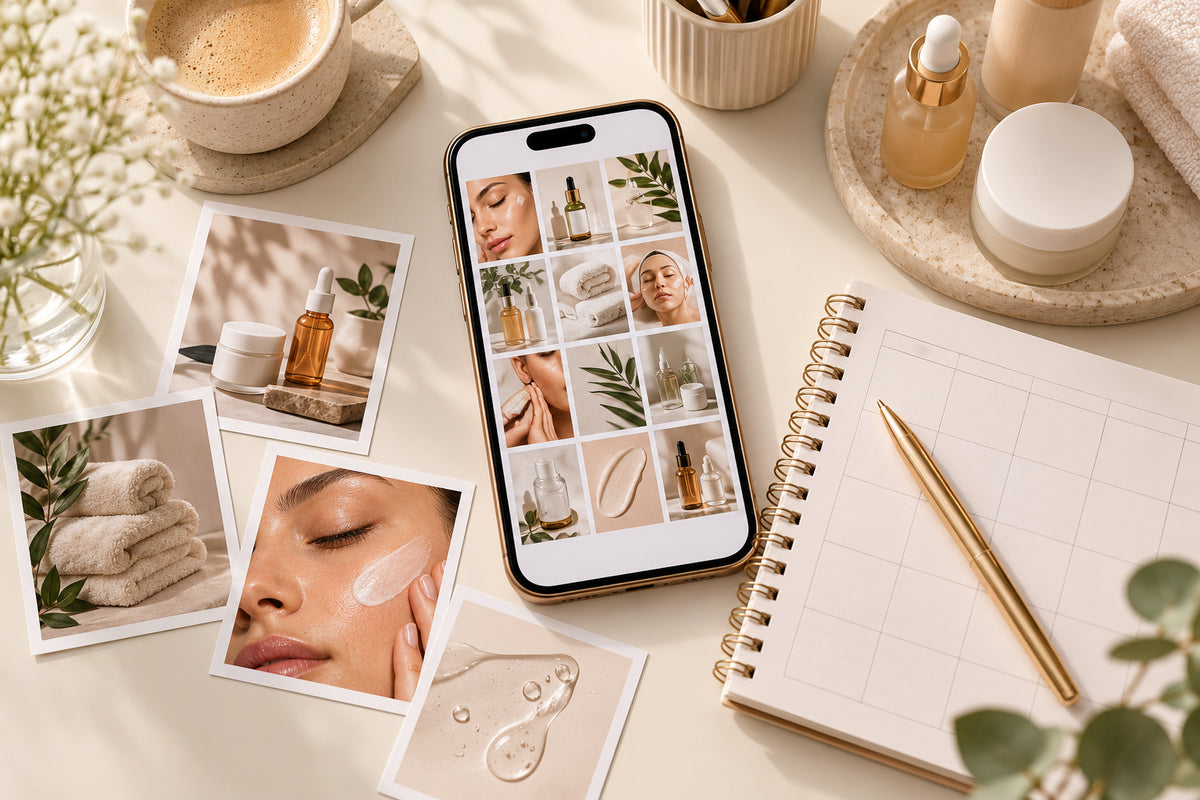
- Examples of your preferred photography.
- A sample social post and service-menu layout.
Add a few words describing your writing style, such as warm, clear, and reassuring. Include one example caption so the guidance is easy to apply.
Put your branding into practice
Choose three materials to update first. For a service-based beauty business, a useful starting point is your social profile, service menu, and booking page.
Open them side by side. Check whether they use matching information and whether a new client can easily understand what to do next.
If you want coordinated starting layouts, explore the Business Branding Kit from Brands Go Viral. Review the included designs, then customize the materials you need for your business.
When should you review your branding?
Review it when your services, contact information, or business direction changes. You can also set aside time periodically to check your most-used materials.
Keep what works, correct outdated information, and update your brand guide as you go. Consistency becomes easier when you have a clear reference for each new design.

Leave a comment
This site is protected by hCaptcha and the hCaptcha Privacy Policy and Terms of Service apply.